Illustrative editorial image generated with AI.
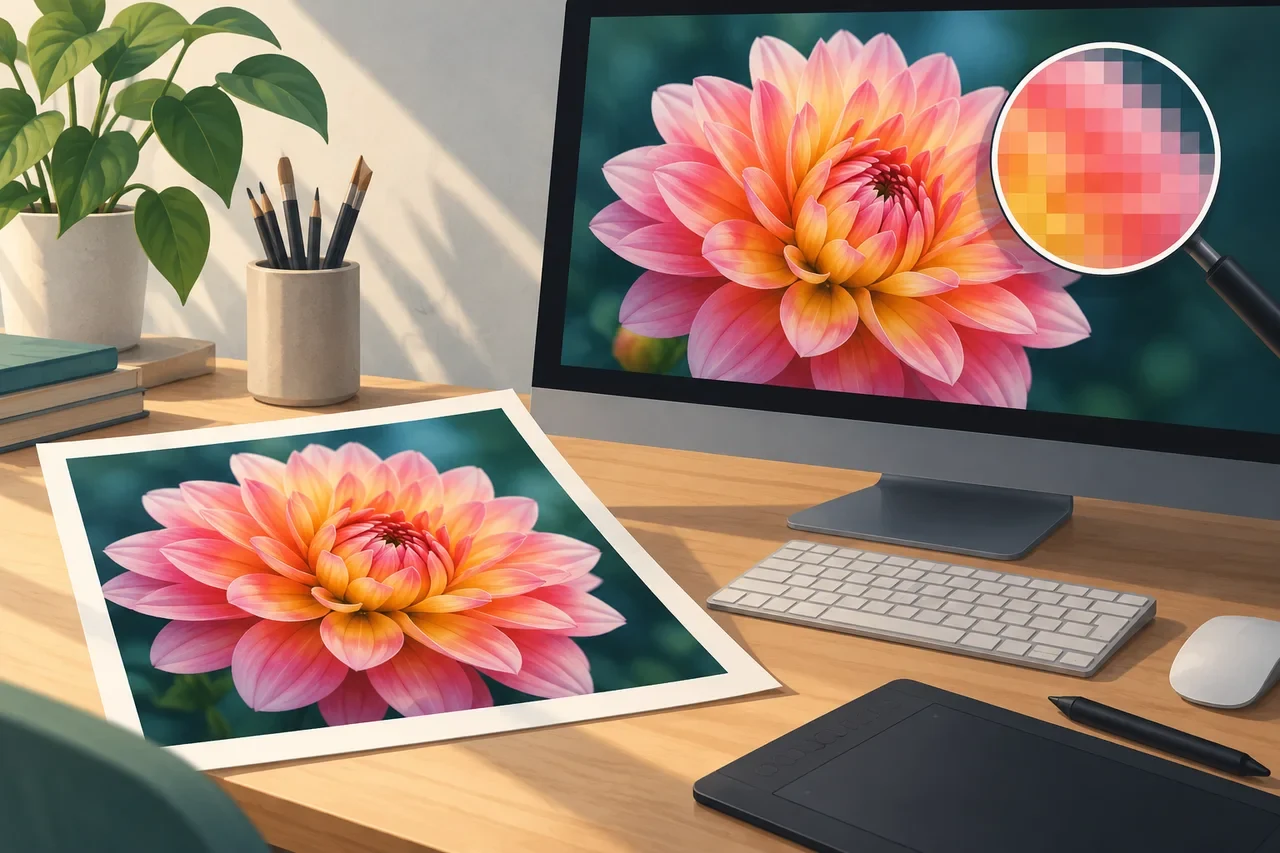
A PNG has a fixed pixel grid. Physical-size metadata can suggest how those pixels map to real-world dimensions, but it does not add detail.
Pixels are the image's actual raster dimensions
A 3000×2000 PNG contains that many pixel positions regardless of whether an editor labels it 72, 96, or 300 PPI. Changing only resolution metadata does not create additional pixels.
PNG can store physical pixel dimensions
The optional pHYs chunk records pixels per unit on each axis and whether the unit is metres or unspecified. With an unspecified unit, the values describe pixel aspect ratio rather than an absolute print size. Applications can use that information to infer a physical display or print size. They are also free to apply their own layout rules.
Why '300 DPI' is incomplete advice
For printing, the useful question is how many image pixels will be distributed across a chosen physical size. A 3000-pixel-wide image printed at 10 inches corresponds to 300 pixels per inch. Print-device DPI is a related but different concept.
Metadata-only changes versus resampling
If you change a document from 150 PPI to 300 PPI while disabling resampling, the pixel count stays the same and the implied physical size changes. If resampling is enabled, the software may actually create or discard pixels.
Web browsers mostly care about CSS layout
On the web, an image's intrinsic pixel dimensions and the CSS/layout context are generally more relevant than a print-resolution label. Responsive image markup can let browsers select an appropriately sized resource.
The useful workflow
Keep track of pixel dimensions first. For print, choose the intended physical size and calculate effective pixels per inch. For web, deliver sensible pixel dimensions for the rendered size rather than inflating a PNG because a dialog box says '300 DPI.'
Sources and technical basis
Read the W3C PNG specification for the format definition. Check an exported file in the application that will actually use it; a format capability does not guarantee every application handles it identically.