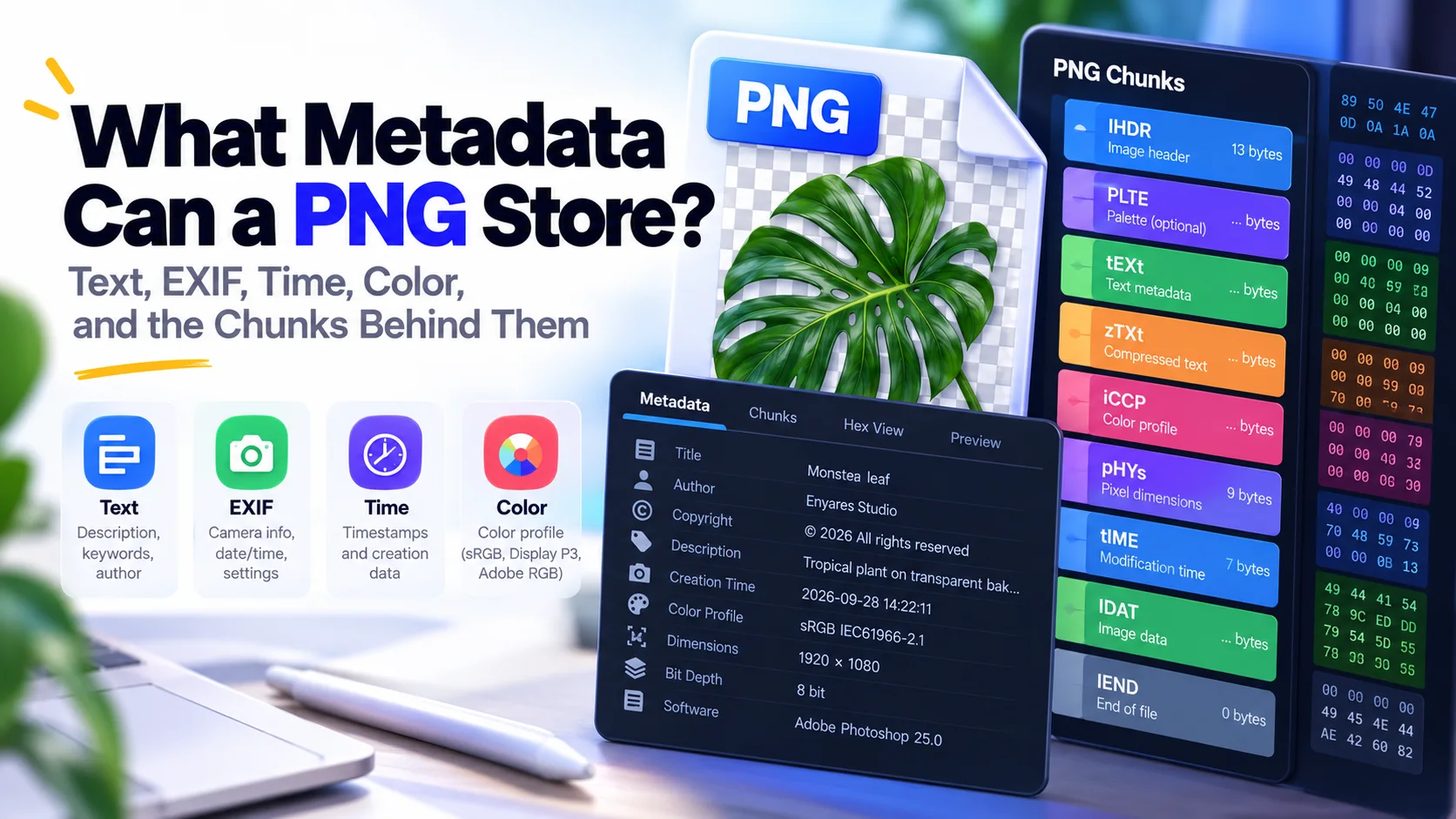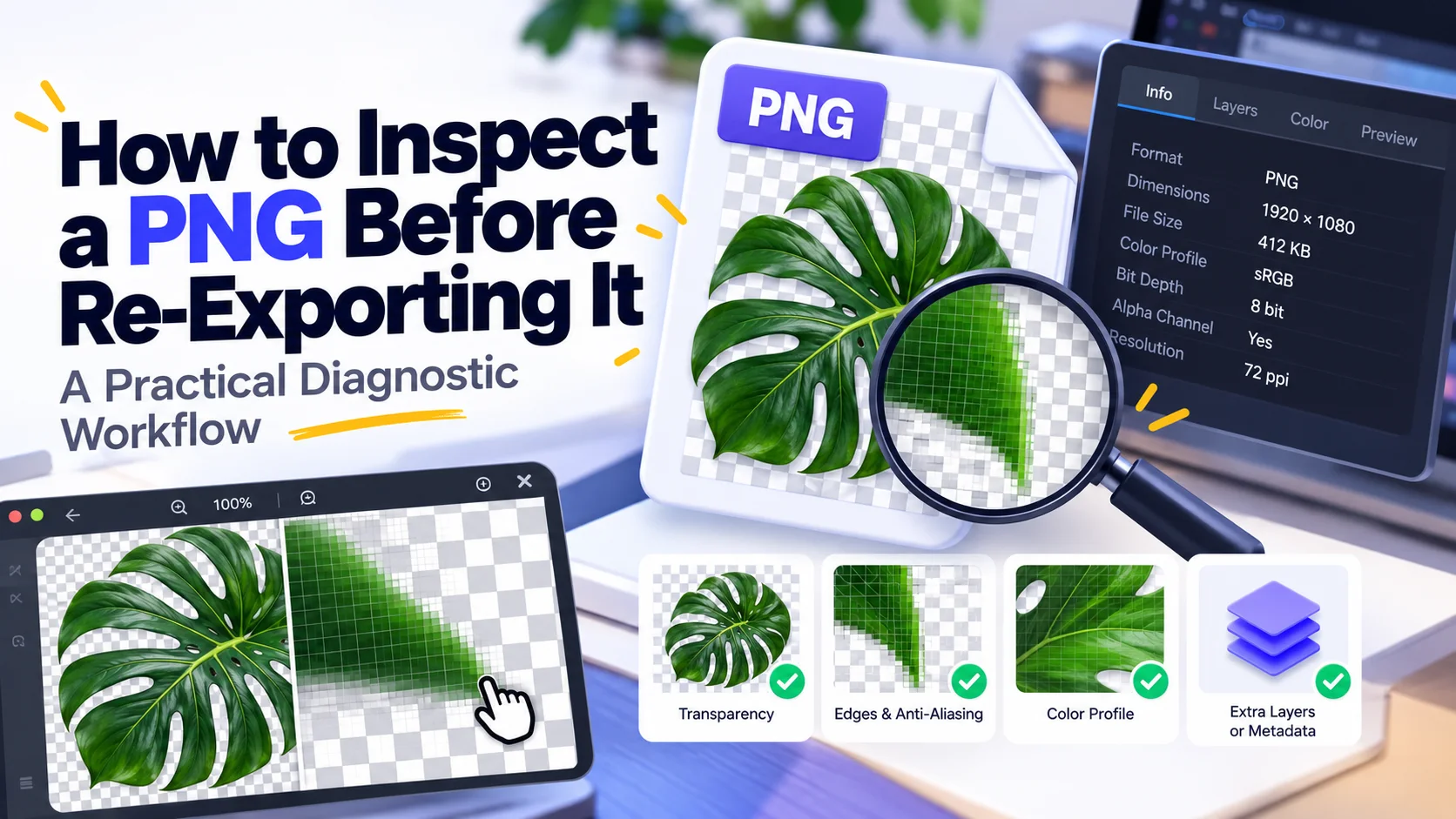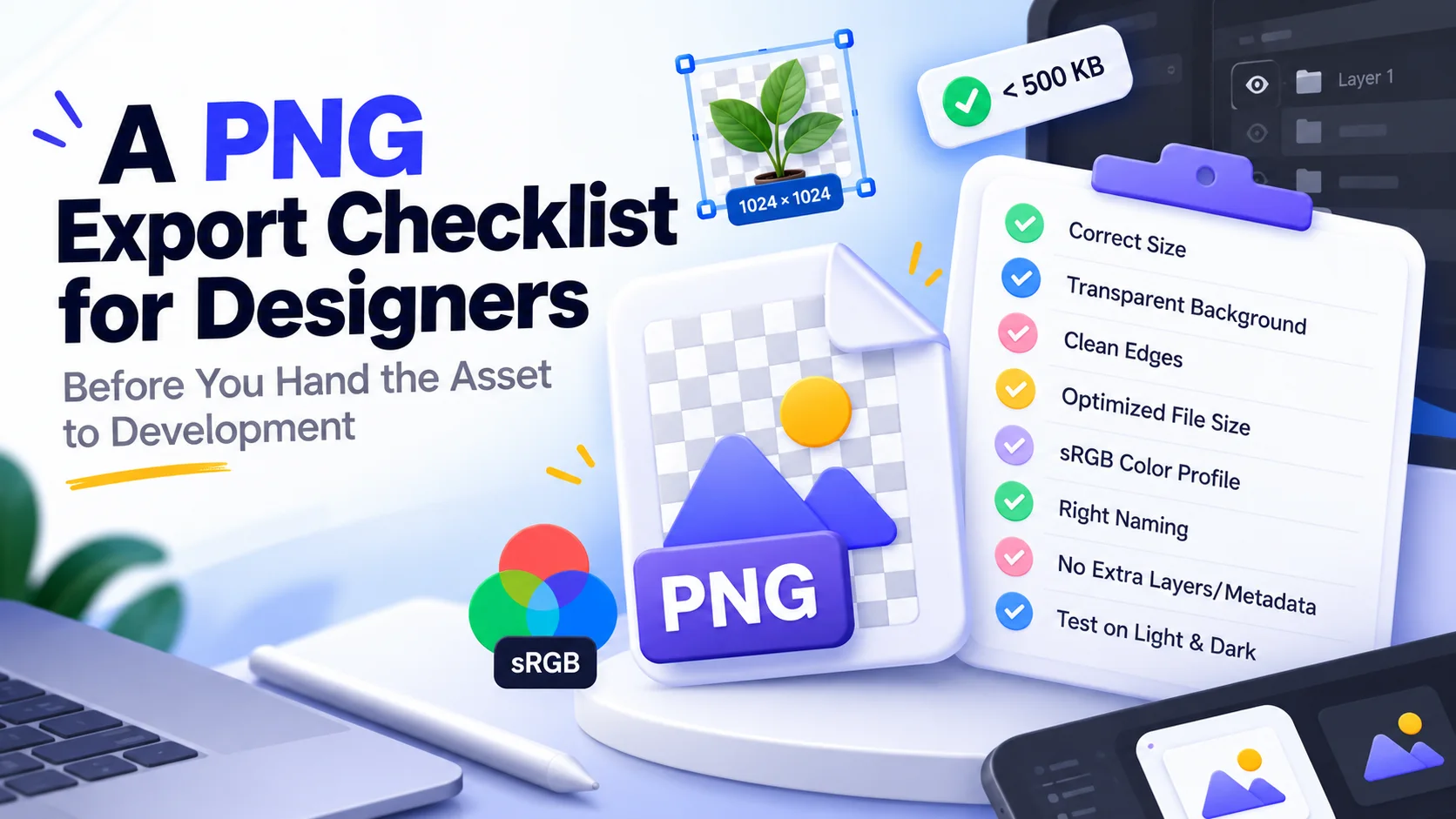
A clean handoff checks dimensions, transparency, color, naming, visual edges, and whether PNG is even the right delivery format.
Confirm the purpose before export
Ask where the asset will appear, its maximum rendered size, whether it needs transparency, and whether it is a master or a delivery derivative. Export settings make more sense once the destination is known.
Inspect the canvas bounds
Transparent padding is easy to miss and can break alignment even when the visible artwork looks correct. Check the actual pixel dimensions and bounding area, not only the preview.
Test transparency on hostile backgrounds
View the export over white, black, and a saturated color. Halos, forgotten matte colors, semi-transparent dust, and stray pixels become easier to spot.
Decide the color policy
For ordinary web assets, use the team's agreed color-space workflow and avoid casually stripping profiles you do not understand. Brand assets should be compared with neighboring CSS or design-system colors.
Name by role, not by 'final-final'
Predictable names and versioning reduce duplicate assets and accidental reuse. If a build system generates sizes, hand off the source-of-truth file and let the pipeline create derivatives consistently.
Do one format sanity check
If the asset is a photo with no transparency, PNG may be the wrong choice. If it is a crisp diagram or UI capture, a lossy photo format may be the wrong choice. The last export question should be: does this format fit the pixels?
Sources and technical basis
Primary technical reference: W3C Portable Network Graphics (PNG) Specification, Third Edition (2025). Web-delivery sections also use MDN guidance for responsive images where relevant.