PNG is a raster format. Increasing pixel dimensions can create more samples, but it cannot recover original detail that was never stored.
A PNG has a finite pixel grid
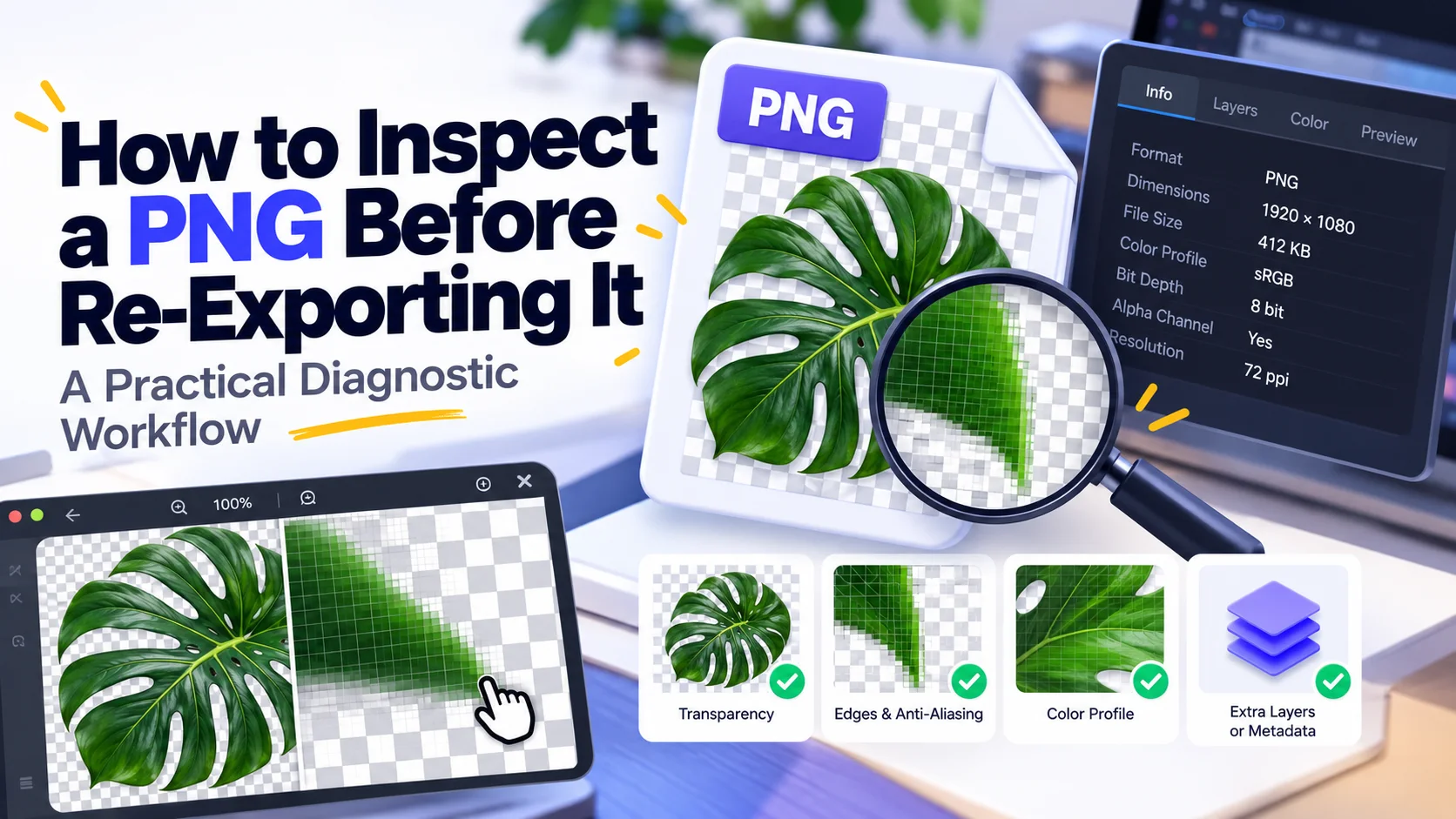
Unlike a vector path, a raster image records samples on a grid. If a logo exists only as a 200×200 PNG, enlarging it to 2000×2000 requires estimating new pixels between existing ones.
Traditional interpolation is not recovery
Nearest-neighbor, bilinear, bicubic, and similar algorithms produce different-looking enlargements, but none can know the exact original curves or texture that existed before the low-resolution raster was made.
AI upscaling is generation as well as estimation
Machine-learning upscalers can create plausible edges and texture. That can look impressive for photographs, but generated detail should not be confused with recovered ground truth—especially for text, diagrams, product evidence, or scientific imagery.
Logos should go back to the source
If the image is a logo or icon, find the original SVG, PDF, AI, EPS, or other vector/master source when possible. Re-exporting from vector preserves geometry far better than repeatedly enlarging a raster derivative.
Pixel art is a special case
For intentional pixel art, nearest-neighbor scaling by integer factors can preserve the block structure. Smoothing algorithms often make it look worse because the hard pixel boundaries are part of the design.
Know what 'without quality loss' means
You can enlarge a canvas without further compression loss because PNG itself is lossless, but the new image is not magically more detailed. Lossless file encoding and information recovery are different questions.
Sources and technical basis
Primary technical reference: W3C Portable Network Graphics (PNG) Specification, Third Edition (2025). Web-delivery sections also use MDN guidance for responsive images where relevant.